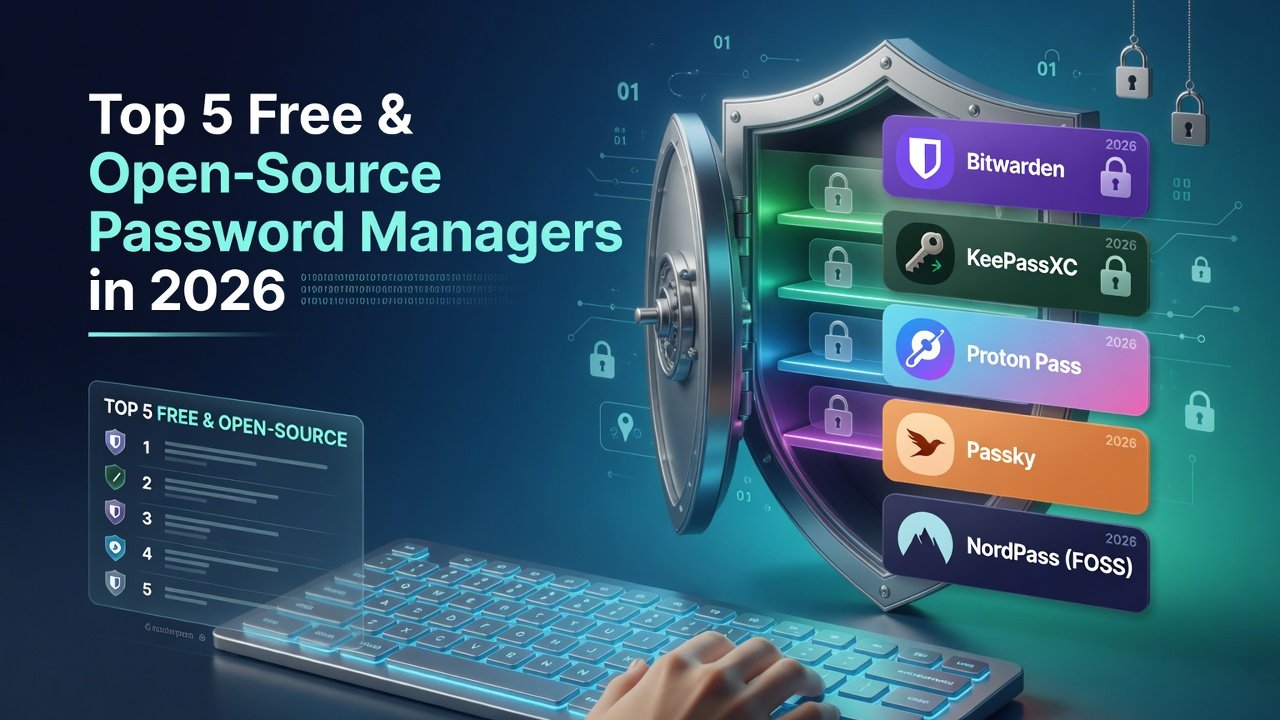
Top free and open-source password managers in 2026 offer strong encryption, cross-platform support, and self-hosting options without licensing fees. They prioritize transparency, regular audits, and community development amid growing data privacy regulations.
Bitwarden leads for its polished apps and cloud convenience. KeePassXC suits offline users, while pass targets developers with its Git-based approach. Vaultwarden provides a lightweight self-hosted Bitwarden server, and the original KeePass remains viable for Windows customization.
Top 5 Free & Open-Source Password Managers in 2026
In an era where data breaches make headlines almost weekly, managing dozens of unique, strong passwords has become non-negotiable. Yet paying for premium password managers feels unnecessary when powerful free and open-source alternatives exist. As we enter 2026, these tools have matured with better mobile apps, self-hosting options, and seamless browser integration—all without compromising your privacy or budget.
Below, we rank the top 5 free open-source password managers that stand out for security, usability, and long-term viability. Whether you want cloud sync, offline-first security, or full self-hosting control, one of these solutions will fit your workflow.
Why Open-Source Password Managers Matter in 2026
Closed-source apps hide their code from public scrutiny. Open-source projects, by contrast, allow anyone to audit the encryption implementation, spot vulnerabilities quickly, and contribute improvements. In 2026, with increasing regulatory pressure around data privacy (GDPR, CCPA, and emerging AI data rules), choosing transparent software is both a security and ethical decision.
Key benefits include:
- Zero licensing fees for individuals and teams
- Community-driven feature development and rapid bug fixes
- Ability to self-host and keep all data under your control
- Independence from any single company’s business decisions
How We Ranked These Tools
Our selection criteria for 2026 focused on:
- Active development and security audits
- Cross-platform support (desktop, mobile, browser)
- Encryption strength and transparency
- Ease of use for both beginners and power users
- Community size and documentation quality
Here are our top five recommendations.
1. Bitwarden – Best Overall Open-Source Password Manager
Bitwarden remains the gold standard for most users in 2026. Its fully open-source codebase, generous free tier, and polished apps make it the easiest transition from proprietary services like LastPass or 1Password.
Key features include end-to-end AES-256 encryption, zero-knowledge architecture, TOTP two-factor authentication, secure sharing, and a built-in password generator. The browser extensions and mobile apps feel native, while the new 2025 desktop redesign improved autofill reliability across operating systems.
Self-hosters can run Bitwarden on their own server, or use the official cloud for free. The project undergoes regular third-party audits, and its large community ensures quick responses to emerging threats.
Best for: Individuals and families who want cloud convenience without sacrificing openness.
2. KeePassXC – Best Offline & Cross-Platform Experience
If you prefer complete offline control, KeePassXC delivers a fast, native desktop application with optional cloud sync via any service you choose (Nextcloud, Dropbox, Syncthing, etc.). The 2026 release added improved hardware key support and a cleaner interface while maintaining the legendary KeePass database format (.kdbx).
Strengths include:
- Local-first design with no forced account
- Excellent autofill on Windows, macOS, and Linux
- Built-in password and passphrase generator
- Browser integration without sending data externally
KeePassXC is ideal for security-conscious users who dislike any cloud dependency. Mobile access is possible through companion apps like KeePassDX or Strongbox, though the workflow is less seamless than Bitwarden’s native clients.
3. pass (Password Store) – Best for Developers and Terminal Users
The pass password manager stores each password in a GPG-encrypted file inside a simple Git repository. It’s lightweight, scriptable, and has been trusted by system administrators for over a decade.
In 2026, the ecosystem around pass is stronger than ever. Browser extensions, Android apps (Password Store), and iOS clients (like passforios) make it usable beyond the command line. Because everything lives in plain-text files under version control, you get built-in history, easy backups, and the ability to edit passwords with any text editor.
Best for: Developers, Linux power users, and anyone comfortable with GPG and Git.
4. Vaultwarden – Best Self-Hosted Bitwarden Alternative
Vaultwarden (formerly bitwarden_rs) is a lightweight, unofficial server implementation of Bitwarden written in Rust. It delivers full compatibility with official Bitwarden clients while using far fewer resources—perfect for running on a home server, Raspberry Pi, or cheap VPS.
Advantages in 2026:
- Lower memory footprint than the official Bitwarden server
- Supports all Bitwarden features most users need (including attachments and TOTP)
- Easy Docker deployment
- Active maintenance and frequent security updates
If you want Bitwarden’s excellent apps and sharing capabilities without relying on Bitwarden’s hosted infrastructure, Vaultwarden is the clear choice.
5. KeePass – The Original, Still Going Strong
The original KeePass (version 2.x) continues to receive updates and remains a solid choice for users who want maximum customization. While KeePassXC offers a more modern interface, the classic KeePass still excels in plugin ecosystem and Windows integration.
Its database format is battle-tested, and plugins allow everything from cloud synchronization to advanced reporting. Mobile support exists through third-party apps, though the experience varies.
Best for: Long-time KeePass users and Windows-centric workflows who value the original plugin architecture.
Quick Comparison Table
| Tool | Best For | Cloud Option | Self-Hosting | Mobile Experience |
|---|---|---|---|---|
| Bitwarden | Most users | Free official | Yes | Excellent |
| KeePassXC | Offline control | Via any sync | N/A | Good (via companions) |
| pass | Terminal users | Git-based | Yes | Decent |
| Vaultwarden | Self-hosters | Your server | Yes | Excellent |
| KeePass | Windows + plugins | Via any sync | N/A | Variable |
Final Recommendations for 2026
Choose Bitwarden if you want the smoothest experience with minimal setup. Go with KeePassXC if you prefer offline-first security and don’t mind managing sync yourself. Developers who live in the terminal will love pass, while privacy maximalists should consider self-hosting with Vaultwarden.
Whatever you pick, the most important step is moving away from reused or weak passwords. Any of these five tools will help you do that without spending a dime or handing your data to a closed-source company.
Ready to get started? Download one today and begin securing your digital life—your future self will thank you.